On this page
OVERVIEW
Who this page is for
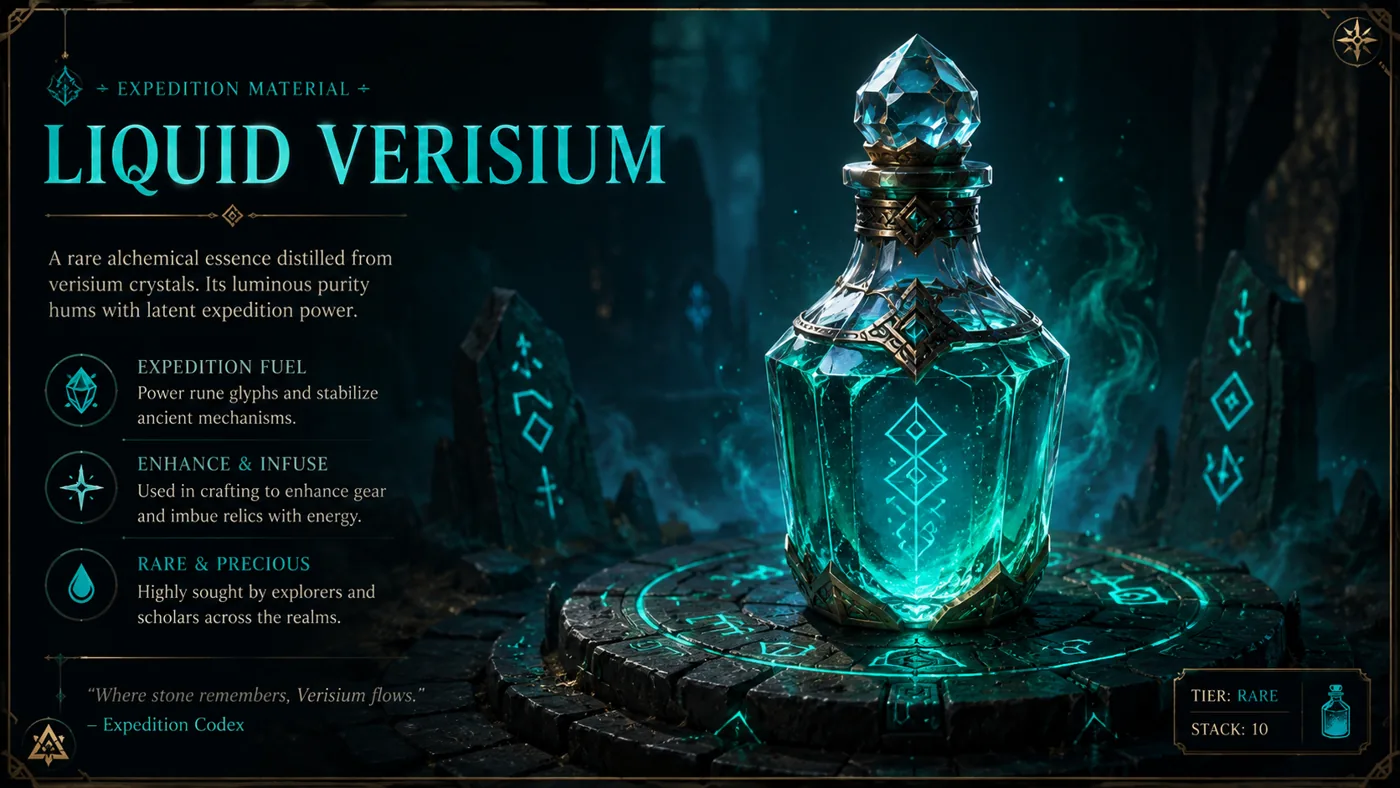
This page helps a PC player document Liquid Verisium safely before using it in a route or recommending it to another player. The official 0.5.4 Patch Notes place it in Runes of Aldur and Expedition: using it immediately starts a Runic Remnant Encounter with a random Runic Inscription. After allocating the Feeling Lucky? Expedition Atlas Passive, it can be bought from Farrow with Verisium. Steam PC reproduction is still required before offering route or efficiency advice.
PREPARATION
Before using the item
- Record the exact item name, icon, stack information, tooltip, and random Runic Inscription from the current PC client.
- Record whether Feeling Lucky? is allocated before attempting to purchase Liquid Verisium from Farrow with Verisium.
- Before purchasing or using Liquid Verisium, record the character, area, league context, Feeling Lucky? allocation state, and available Verisium.
- Use a test context first. Do not spend scarce resources based on an unverified guide, screenshot, or memory of a prior Hotfix.
VERIFICATION STEPS
Safe verification sequence
Confirm prerequisites
Confirm the purchase and use prerequisites shown by the current client.
Use one and record
Use one Liquid Verisium and record the Runic Remnant Encounter that starts immediately, including the random Runic Inscription, without combining other modifiers or consumables.
Test the Farrow purchase condition
Test the Farrow purchase condition only when the client safely permits it; record the displayed restriction rather than guessing it.
Repeat after Hotfix
Restart or reload the relevant interface when a Hotfix notes an interaction fix, then repeat the same observation.
Compare with official wording
Compare the observation with the official wording. If the result differs, stop writing a player recommendation and retain pending-verification.
DECISIONS
What a future published guide must add
A publishable version needs verified purchase and use prerequisites, costs, limits, observable encounter results, recovery steps, and any Patch-specific caveat. It must also state what has not been tested. It may not promise value, profit, a guaranteed reward, or compatibility with every Expedition setup.
COMMON MISTAKES
Common mistakes to avoid
- Calling a new currency "free value" without recording its cost and opportunity cost.
- Treating a screenshot from a pre-Hotfix client as evidence of current behaviour.
- Mixing the item interaction with multiple Atlas, map, or runic changes in one test.
- Writing an efficiency recommendation before the target and result have been reproduced.
SOURCES & CHANGELOG
Sources and verification
Related content

Information is compiled from public web sources and in-game observations; some visuals are original editorial diagrams. External information and images remain the property of their authors or platforms; contact us for removal requests.